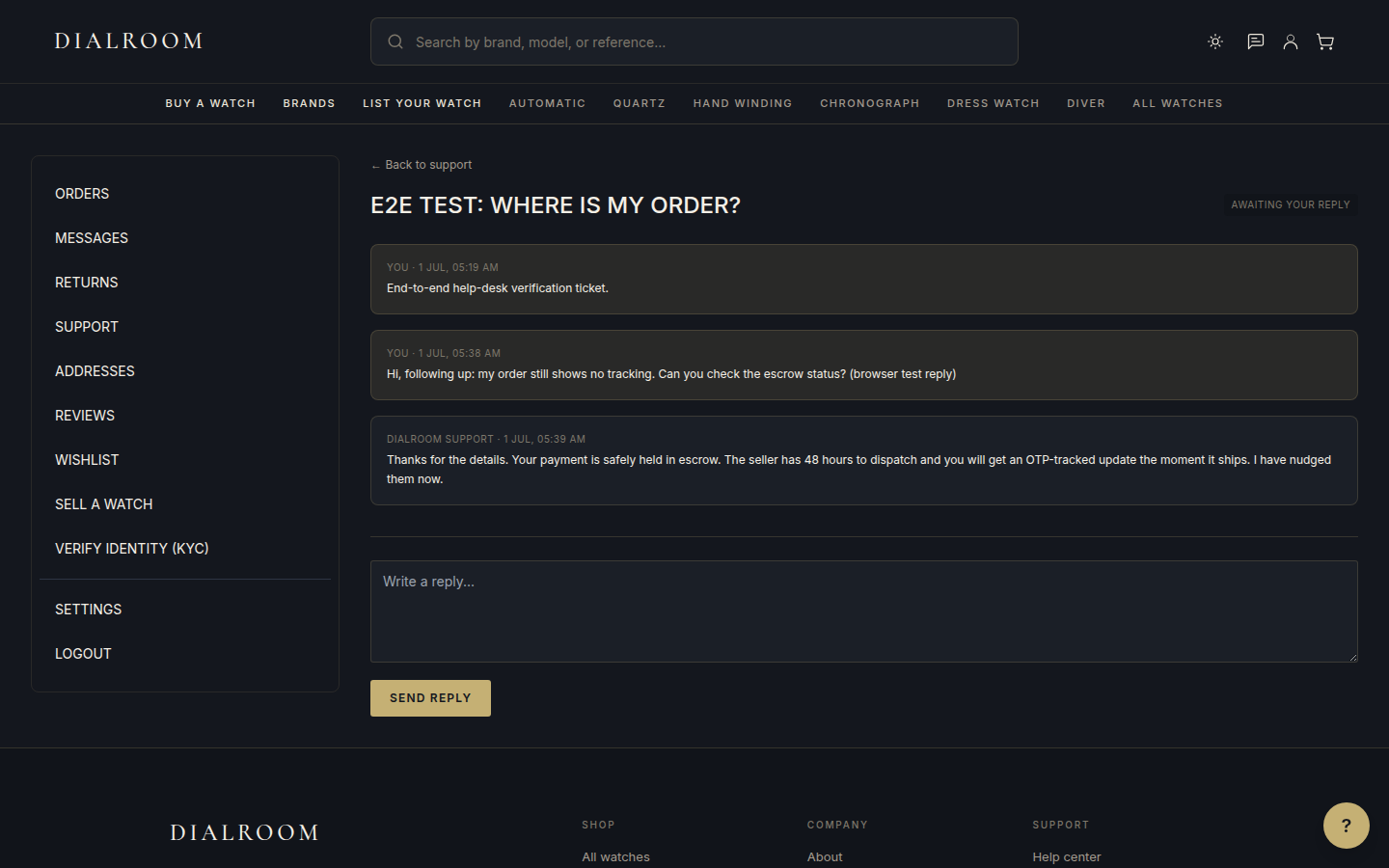
When you contact support, we open a ticket so nothing gets lost. You can follow it from start to finish in your account.
Where to find your tickets
Go to your account and open Support. Every ticket you have raised is listed there, newest first, with its current status. Open any ticket to read the full conversation and reply.
What each status means
- Open: you have just raised the ticket and our team has not replied yet.
- With support: your latest message is with an agent and we are working on it.
- Awaiting your reply: we have responded and need something from you to continue.
- Resolved: the issue is closed out. You can reopen it by replying if you still need help.
- Closed: the ticket is finished and archived.
Replying and getting updates
Each reply is added to the same thread, so the whole history stays in one place. When an agent responds, the status moves to Awaiting your reply and we notify you. When you reply, it moves back to With support. You do not need to open a new ticket for the same issue, just reply on the existing one.
Tips for a faster answer
- Include your order number if the ticket is about a specific purchase.
- Pick the closest category when you open the ticket so it reaches the right team.
- Keep one issue per ticket. Separate issues are easier to track as separate tickets.